
MCP explained: how to connect your AI tools
From copy-paste to a real connection
AI tools know nothing about your projects as long as you paste everything in by hand. An MCP connects Claude or ChatGPT straight to Notion, Slack and GitHub. Nine minutes to see what sits behind it and how to wire up your first one.
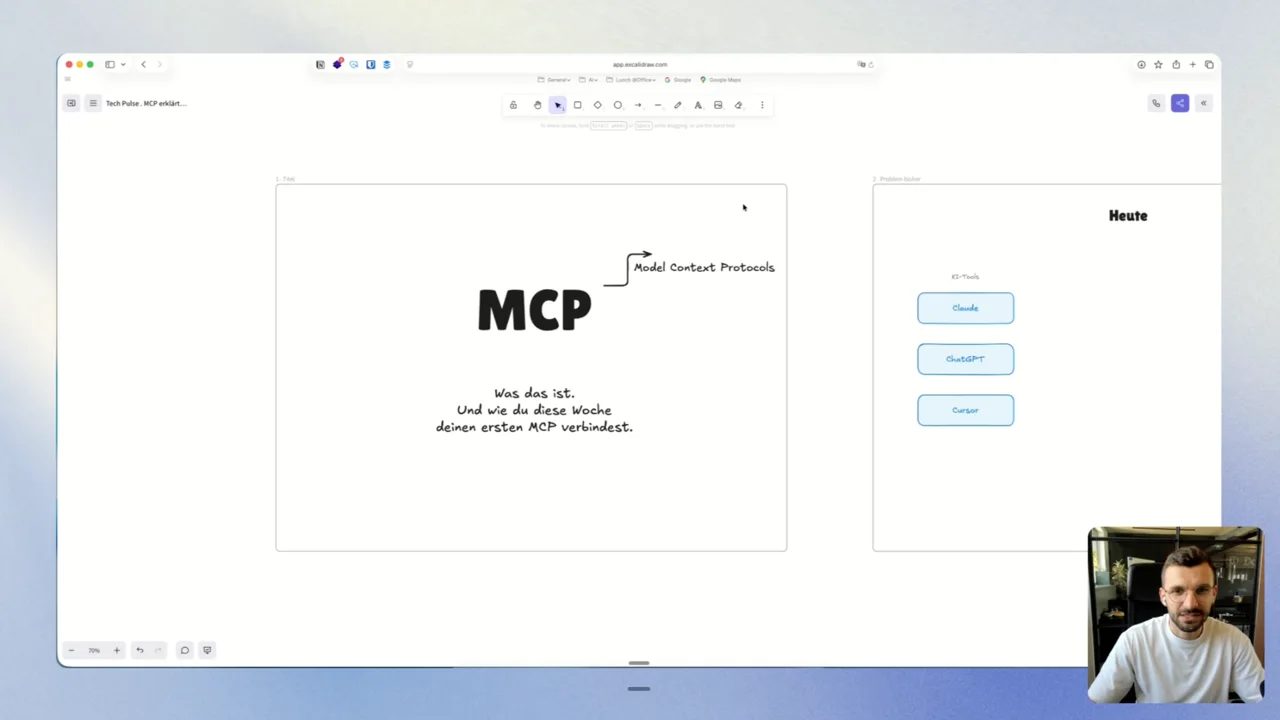
What you will learn in this video
- What a Model Context Protocol is, explained in one sentence
- Why copying data between your AI tool and your apps eats your day
- How to set up your first MCP in Claude, step by step
- A worked example with Notion, Slack and GitHub
- When a ready-made MCP is enough and when you need to build your own
Who this is for
- Anyone using Claude or ChatGPT daily who still pastes data back and forth all day.
- Teams who want their AI tools talking to Notion, Slack or GitHub.
- No technical background needed. The video is in German.
More Resources
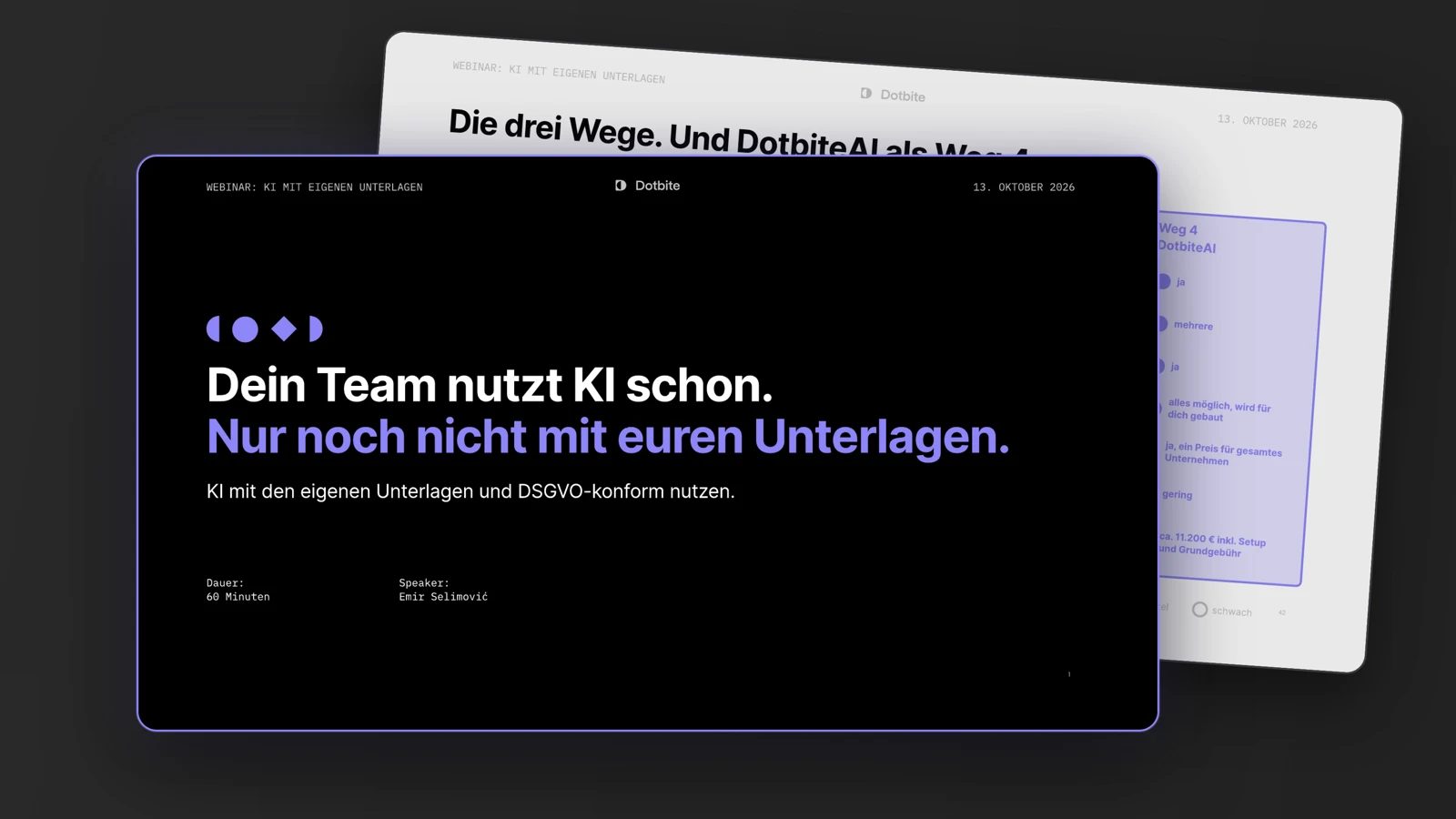
October 13th, 2026
Webinar slides: AI with your own documents and GDPR-compliant
All 52 slides from our webinar on 13 October 2026 as a PDF, in German. Three ways to get AI working with your documents, the comparison with costs and the four questions…
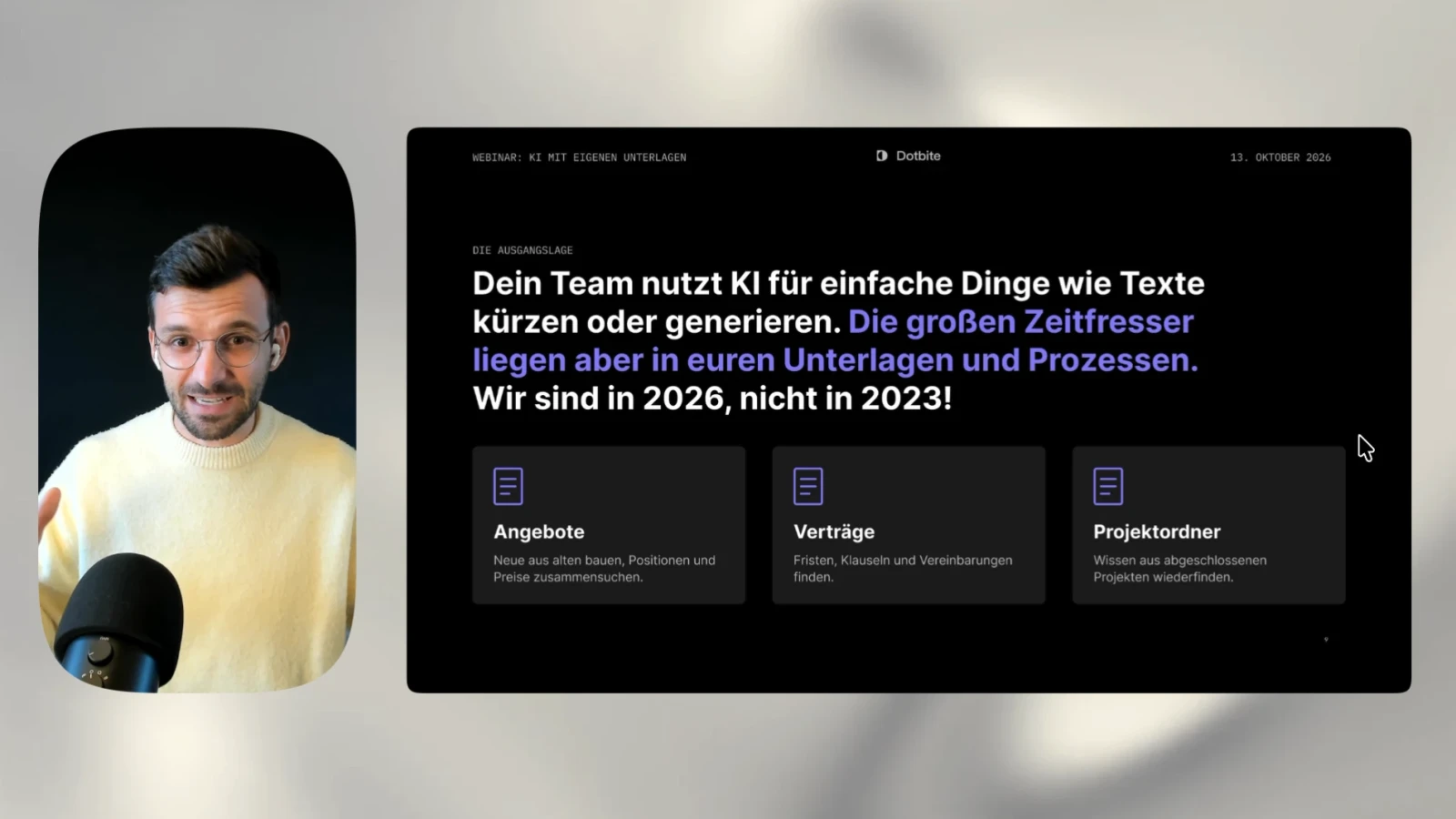
October 13th, 2026
Webinar: AI with your own documents and GDPR-compliant
The recording of our webinar from 13 October 2026, held in German. In 56 minutes you see three ways to let AI work with your own documents and stay GDPR-compliant.
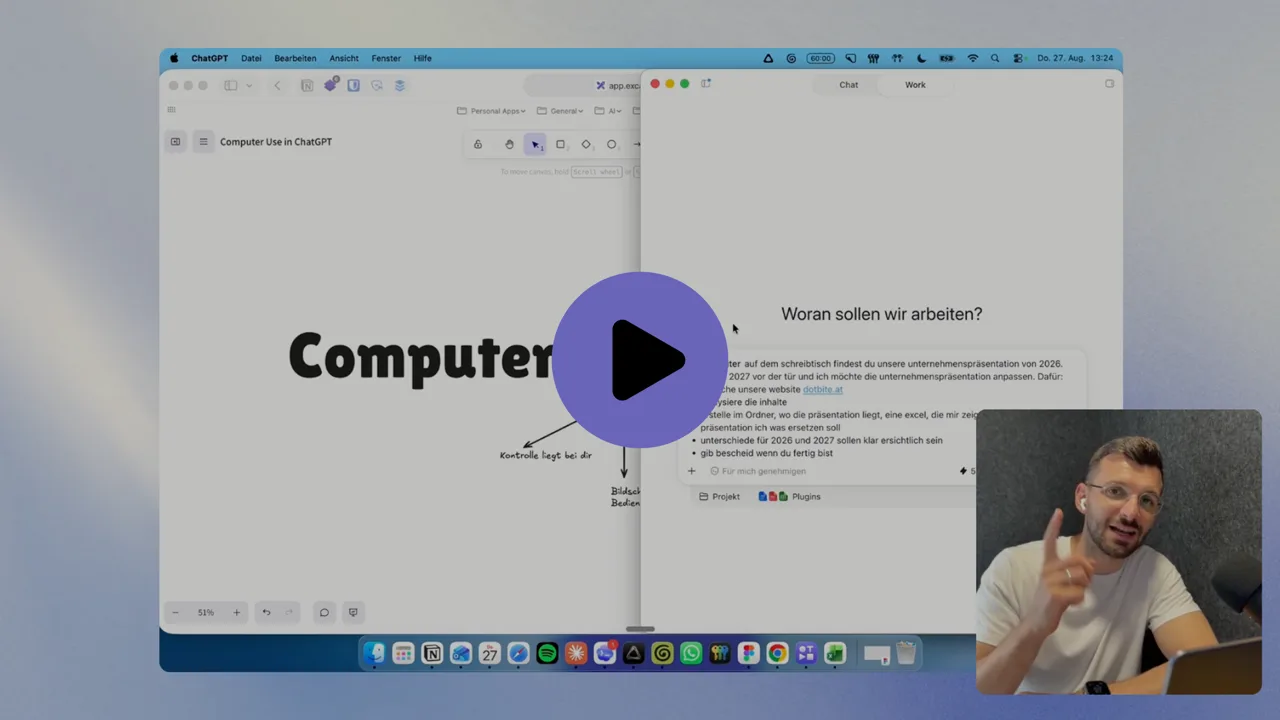
August 27th, 2026
ChatGPT Computer Use: what it can really do
ChatGPT Computer Use in 12 minutes. What the feature does on your machine, one real task from prompt to finished file, and where it still costs you time.
