
When your WordPress website has turned into an application
WordPress is a solid choice for websites. Managing content, creating pages, running a blog, it has done that for more than twenty years, and millions of websites run on it.
Many websites do not stay websites, though. First comes a contact form with Gravity Forms, then appointment booking, then a member area, then WooCommerce with special prices for regular customers. Every feature is a plugin. At some point the website carries business processes it was never built for.
Signs it is no longer a website
Dozens of plugins. Every update is a small risk, and nobody knows exactly which plugin does what anymore.
Logic in many places. Pricing rules, approvals and roles live in plugin settings, in functions.php and in a Zapier workflow.
Yearly licence costs. Premium plugins renew every year, often per site.
Users with roles. Customers, partners or staff log in and see different data.
Every requirement needs a workaround. A new feature means a new plugin or custom code that fights an existing plugin.
Where WordPress hits its limit
WordPress stores almost everything the same way. Posts, pages and custom content types sit in the wp_posts table, their details as key-value pairs in wp_postmeta. For content that works well. For business data with many relationships, like customers with contracts, locations and approvals, it gets slow and messy. WooCommerce moved orders into their own tables for exactly that reason.
Then there is security. Most known vulnerabilities in WordPress installations sit in plugins, and every extra plugin widens the attack surface. On a website with customer data and payments that matters.
Keep what works
You rarely have to throw anything away. We usually recommend a split along responsibilities.
Content stays in WordPress or moves to a leaner CMS. Why we like Statamic for that is in Statamic vs. WordPress.
The shop stays on WooCommerce or Shopify as long as a standard checkout is enough.
The business logic moves into a Laravel application of its own. Bookings, portals, customer pricing, approvals and the connection to your ERP or CRM.
Both parts talk to each other through an API. To visitors it all looks like one website. Behind it runs an application built for exactly these processes.
An example from practice
At epunkt the job was a portal with real logic. Candidates apply, companies get their own customer access, and jobs, applications and customer data sync continuously with Salesforce. Today hundreds of applications come in there every day. Piecing that together from plugins would have been a never-ending project.
Why Laravel
Laravel is a PHP framework, the same language as WordPress. Hosting stays cheap and familiar. Roles and permissions, forms with validation, email, queues, payments and integrations come as ready building blocks. The data model fits your business. You own the code, and there are no plugin licences renewing every year.
When WordPress is enough
The website is mostly content. Pages, blog, contact form. That is what WordPress is built for.
A shop with standard flows. Products, cart, checkout. WooCommerce or Shopify handle that well.
A few well-maintained plugins. If updates run smoothly, there is no reason to rebuild.
In that case, invest in maintenance and performance. If all you want is a better CMS, we build that too, see CMS development.
How to start
List your plugins. Which ones serve content, which ones carry business logic?
Add up the running costs. Licences, hosting and maintenance hours per year.
Pick the most painful process. Usually booking, the member area or order approval.
Pull out that one process. The website stays as it is until the new part runs.
Your website does a lot more than a website should? We look at which part belongs in an application of its own. Book a free discovery call →
Frequently Asked Questions
Is Laravel better than WordPress?
They do different jobs. WordPress is a CMS for content, Laravel a framework for applications with their own logic. For a website with pages and a blog WordPress is the simpler choice. For bookings, portals, roles and integrations with an ERP or CRM, Laravel is the more stable foundation.
When should you move from WordPress to Laravel?
When the website carries business processes scattered across plugins and custom code. Typical signs are dozens of plugins, users with different roles, rising licence costs and new requirements that only work with workarounds.
Can I keep WordPress and still use Laravel?
Yes. Content stays in WordPress, while business logic like bookings, a customer portal or approvals runs in a Laravel application. The two talk through an API, and to visitors it all looks like one website.
Why are many WordPress plugins a security risk?
Most known vulnerabilities in WordPress installations sit in plugins. WordPress core itself is affected far less often. Every plugin brings its own code that has to be kept up to date, so every extra plugin widens the attack surface.
Are WordPress and Laravel both PHP?
Yes, both are written in PHP. Hosting and servers stay familiar and cheap, and moving to Laravel does not require switching platforms.
You might also like
October 30th, 2026
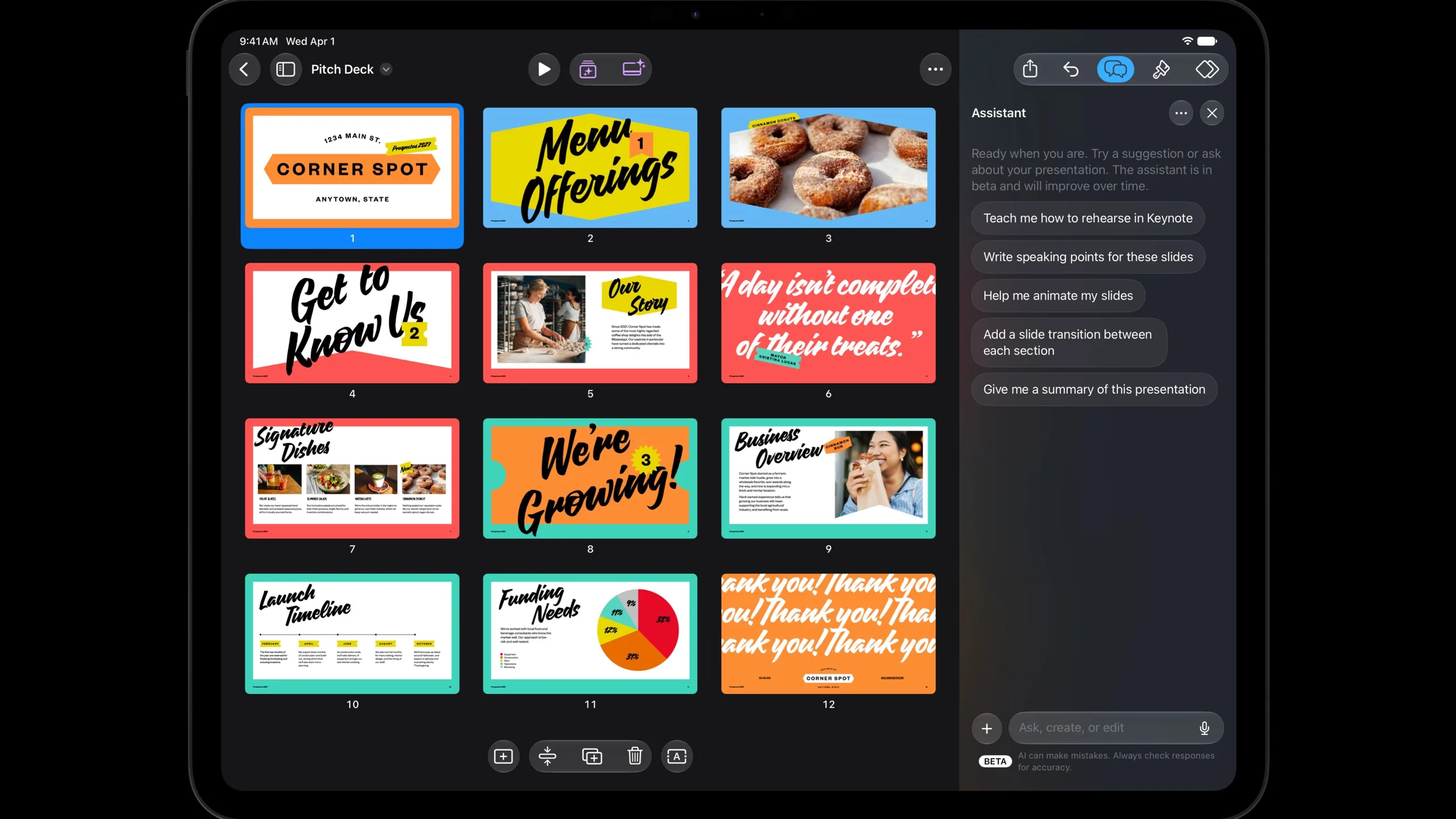
Apple lets outside AI agents into Keynote, Pages and Numbers
Apple opens Keynote, Pages and Numbers to AI agents via MCP. Plus Genie 4, the ETH refutation claims, the Aokigahara stealer and Xreal Aura.

October 29th, 2026
AI funding in Austria
Which grants for AI projects in Austria are still open at the end of 2026. Vienna, FFG, federal states and training, with rates and deadlines.

October 28th, 2026
What your old software really costs you
Old software costs you mostly through what it cannot do. How to make missed opportunities visible and when modernising pays off.
Ready to connect the dots?

Hi, I’m Emir, CEO and Co-Founder of Dotbite.
You have an interesting idea for a digital project and are looking for a sparring partner pushing the challenge through with you?
You’ve come to the right place.
